The Clue:
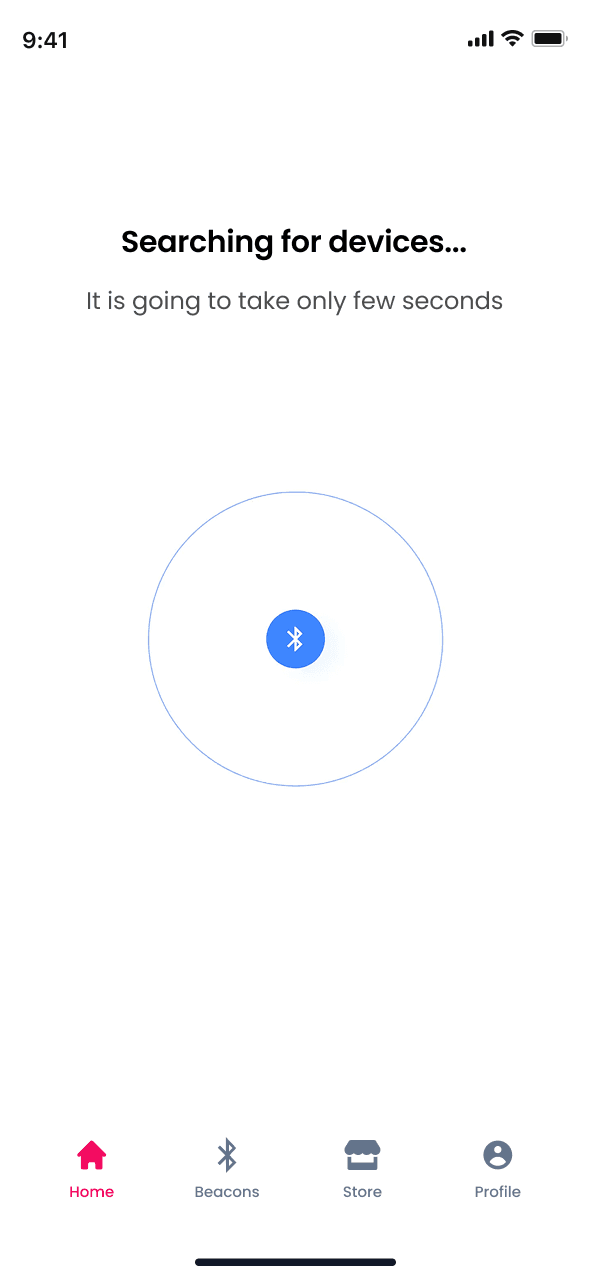
Get stared with tagsurfer in three simple steps
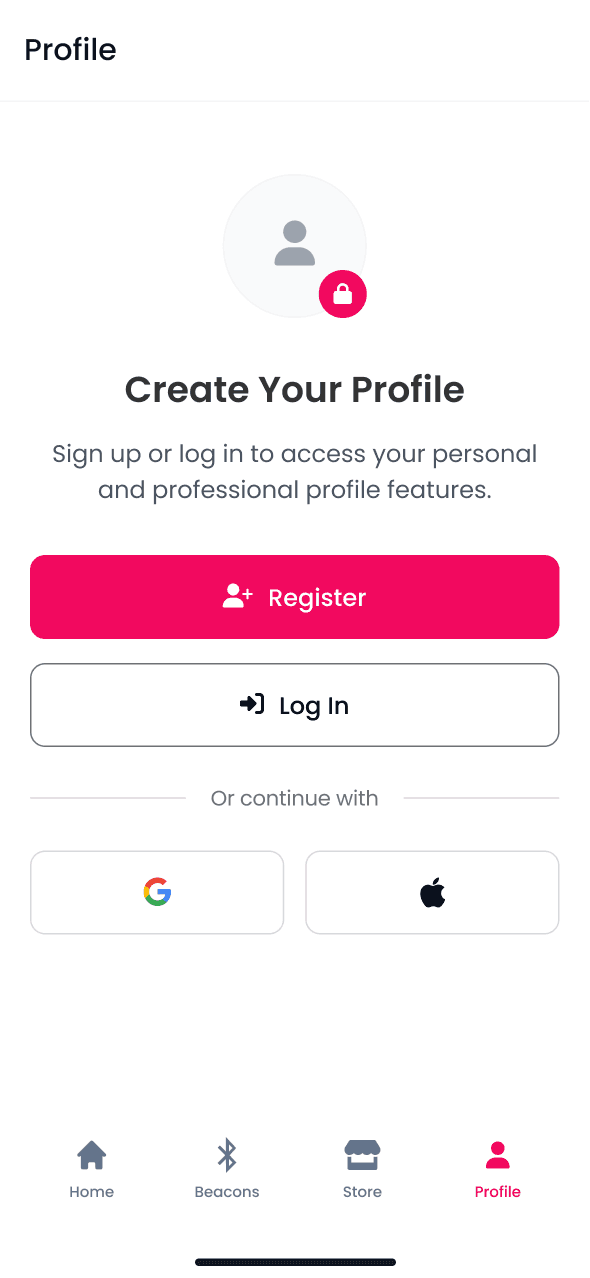
1. Create your Profile
Download the app, register and add your details, or setup a business, and go live.
2. Link a Beacon
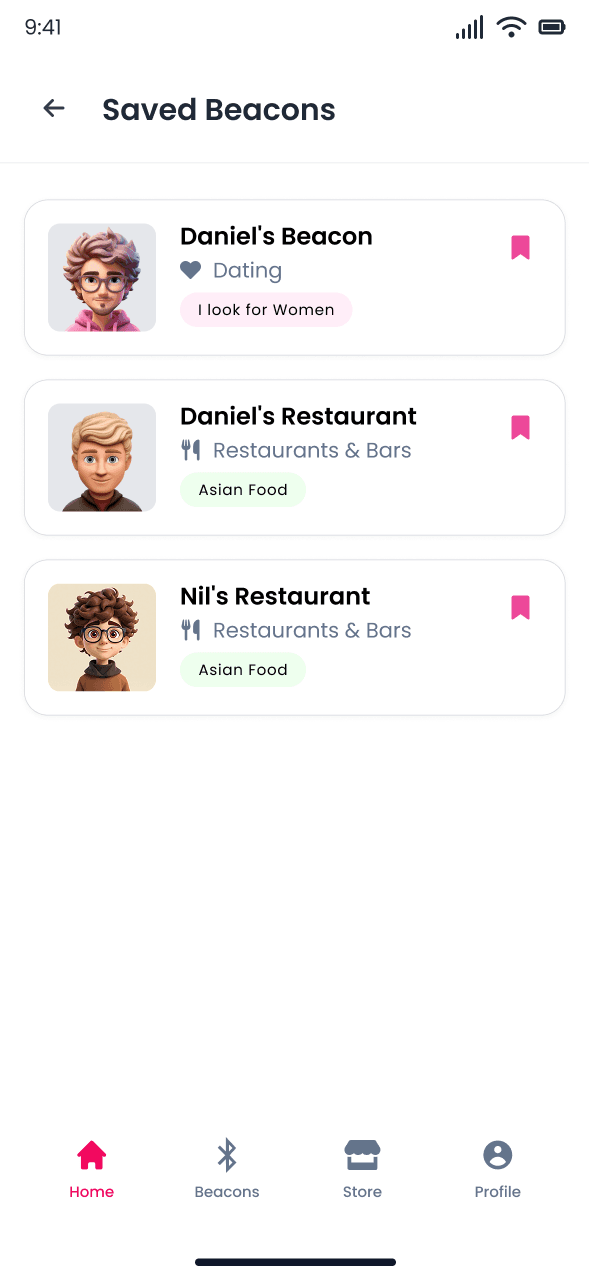
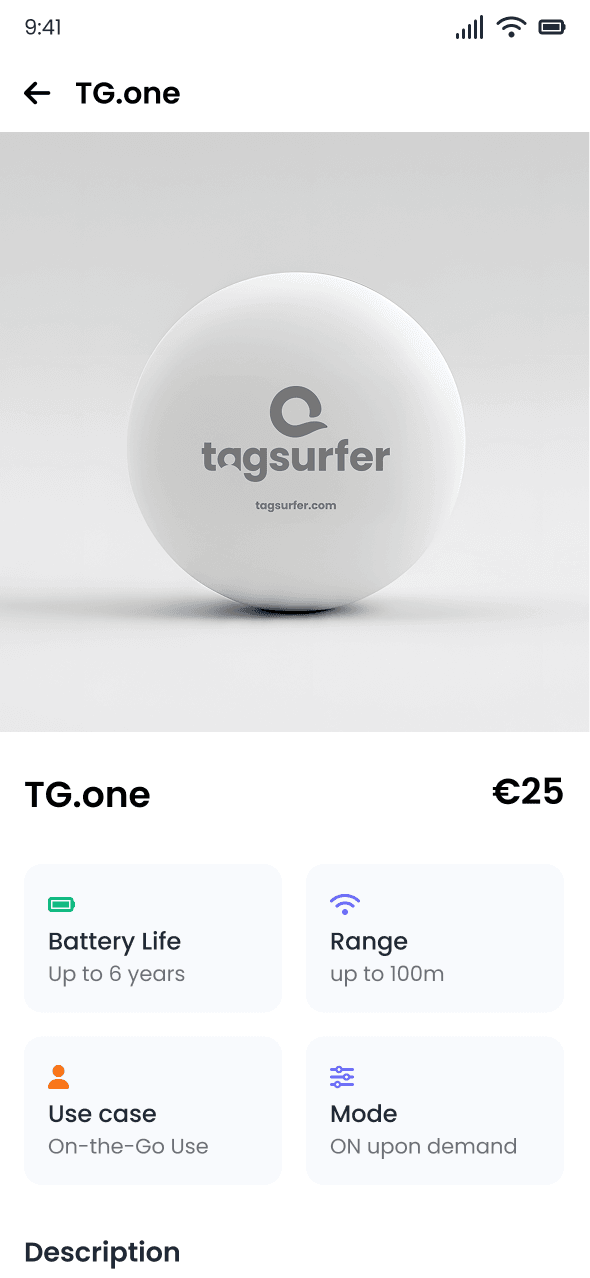
Purchase a Beacon, link it with your profile or business, select a purpose that works.
3. Get Discovered
Just discover Beacons around you, or let other users discover your unique information in your physical distance.
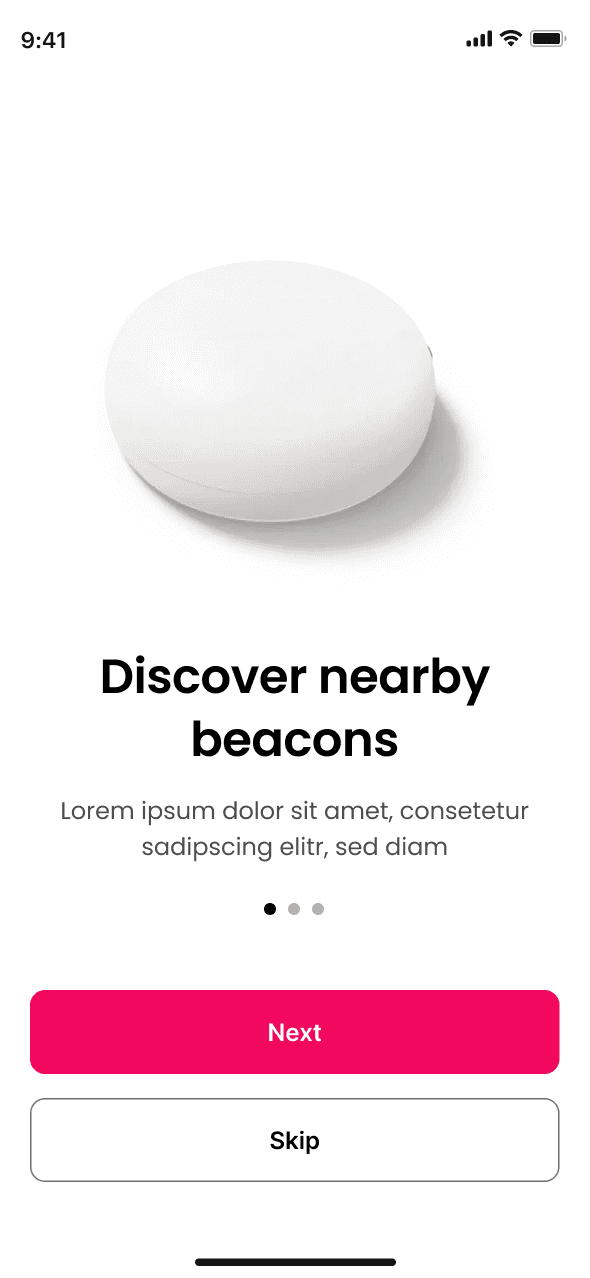
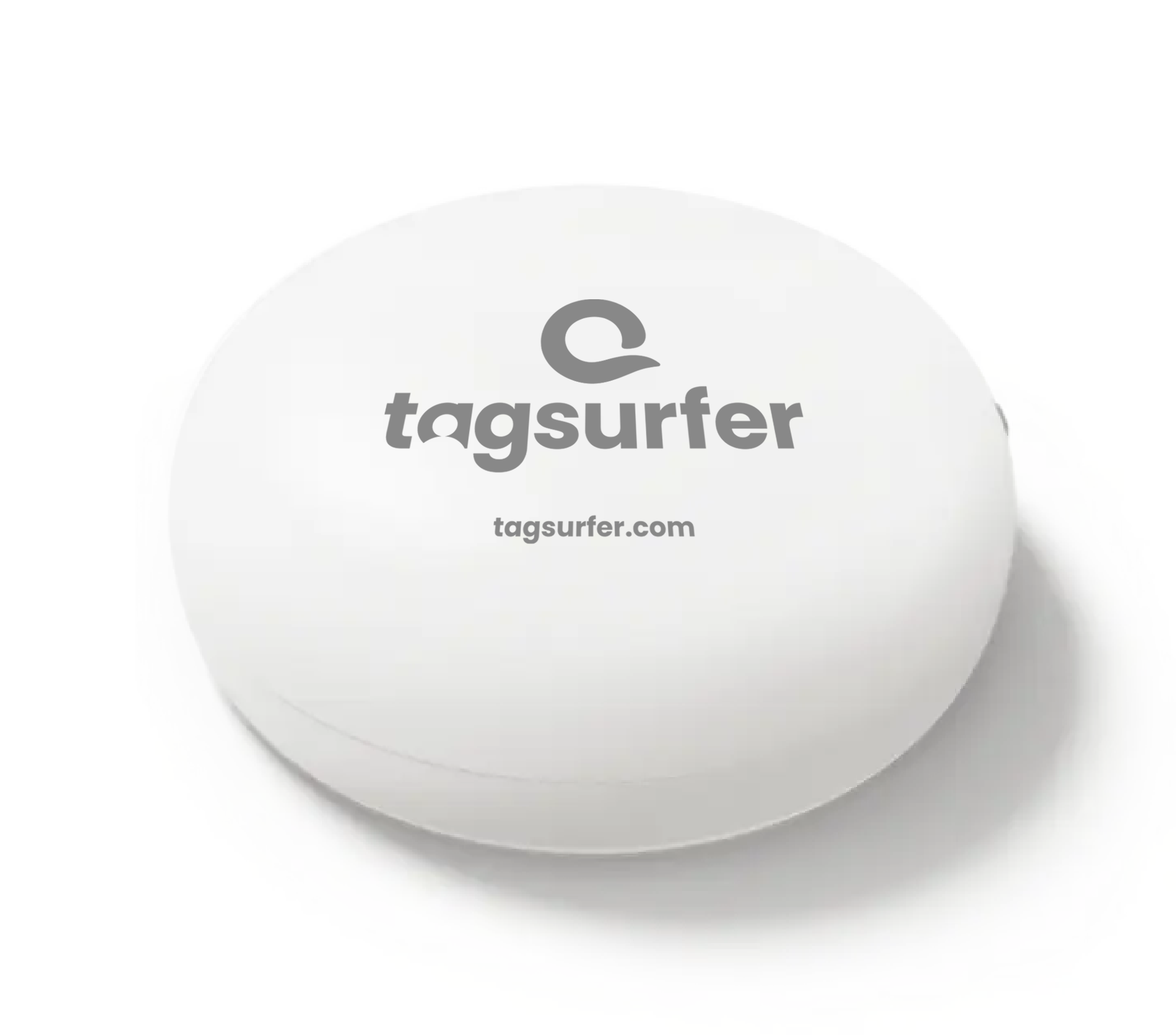
tagsurfer services work seamless with our Beacon hardware
Nearby Discovery
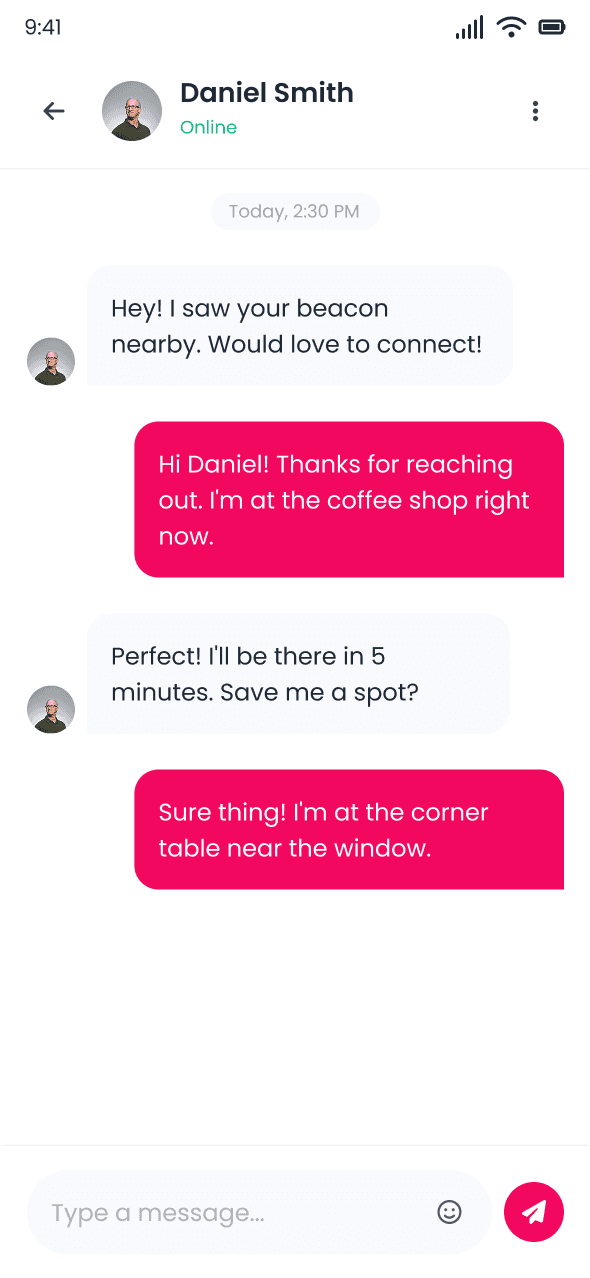
Your profile or business is instantly visible to anyone in short physical distance.
Multiple Use Cases
From dating to business - your visability on tagsurfer adapts to your purpose
Instant Profile Switch
Your Beacons, your way - toggle between personal and pro anytime.
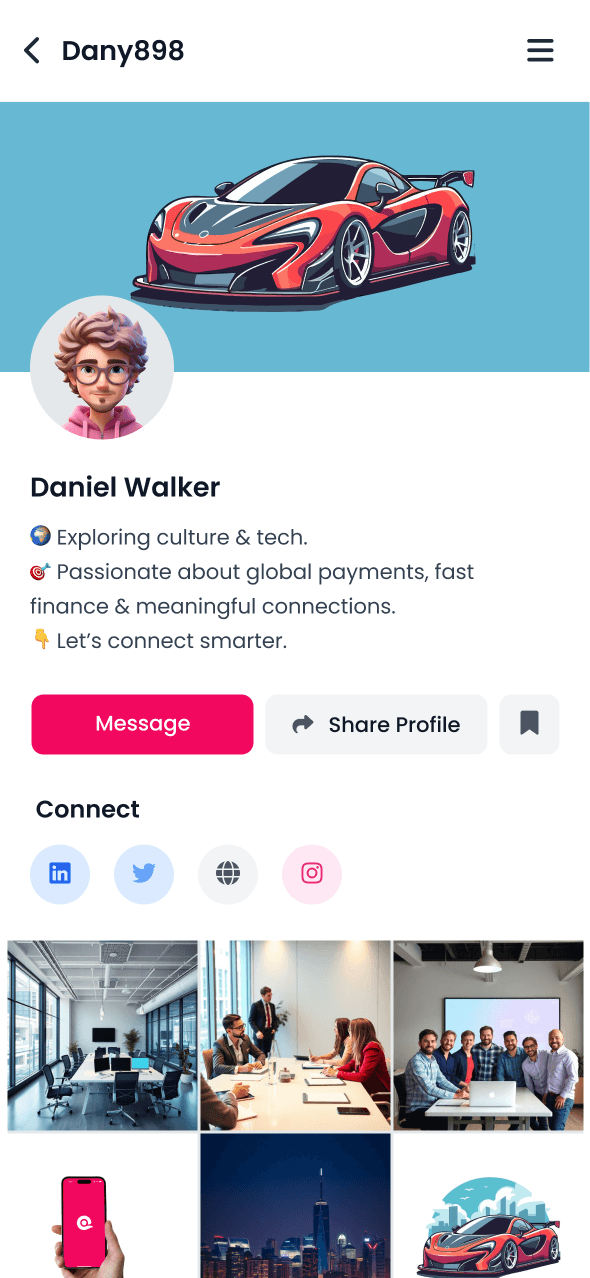
Your private profile for networking
Profile Sharing
Share your social media, contact info, and interests with new connections
Photo Gallery
Showcase your personality with a curated photo collection
Social Links
Connect all your social platforms in one shareable profile
Showcase your business to the people
Business Details
Share your services, hours, location, and contact information
Impressions & Customer Reviews
Show your business with pictures, display testimonials and ratings
Priority Visibility
Get discovered first with enhanced visibility options
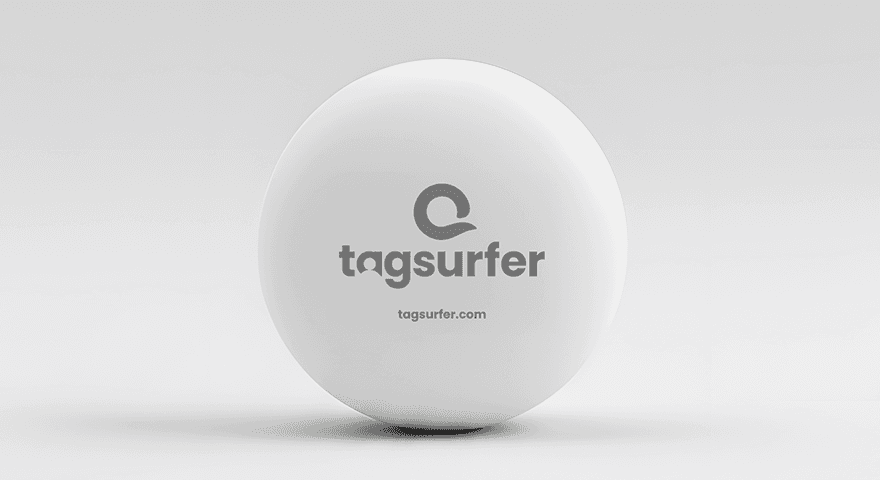
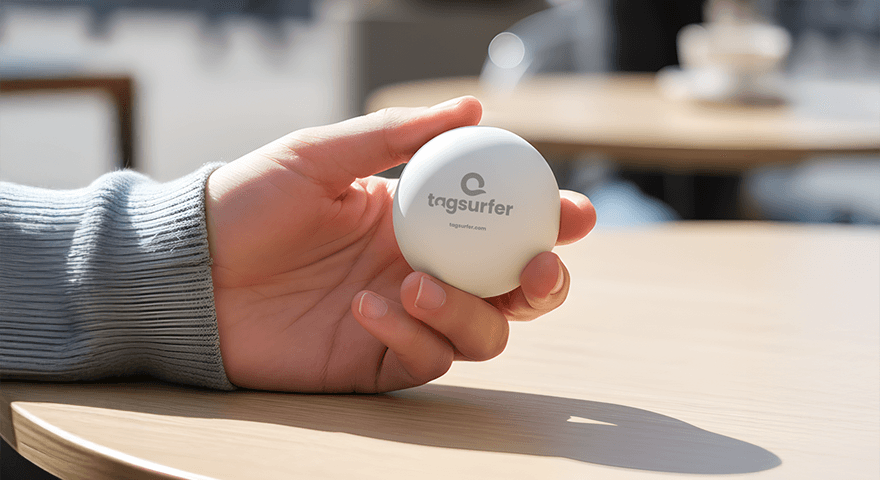
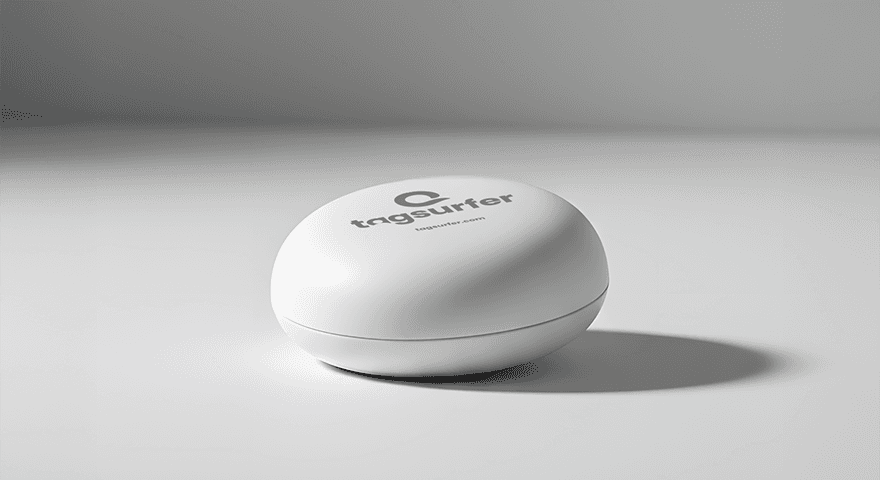
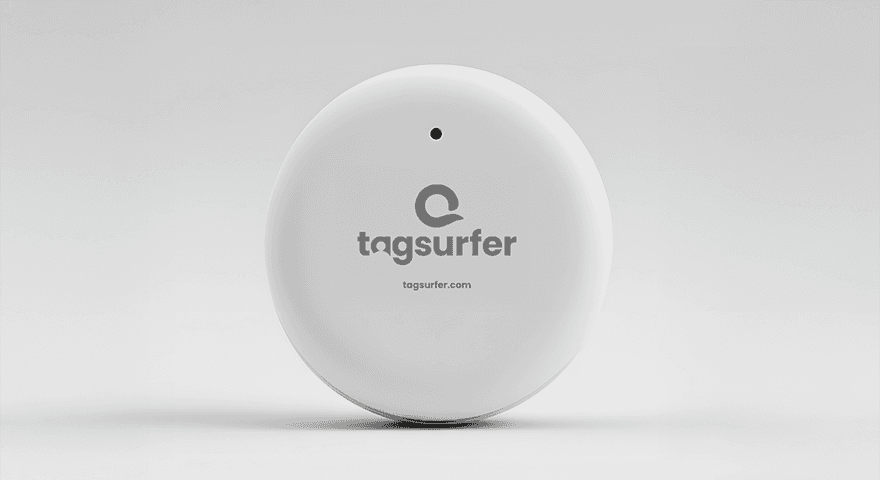
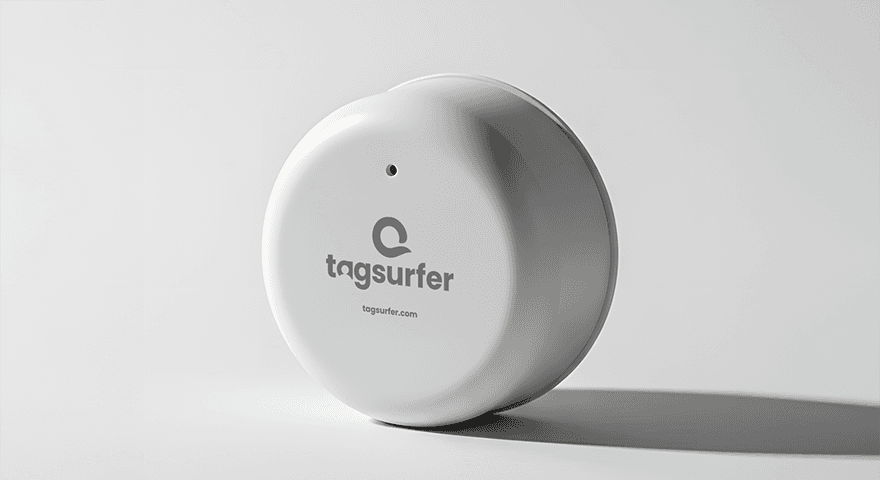
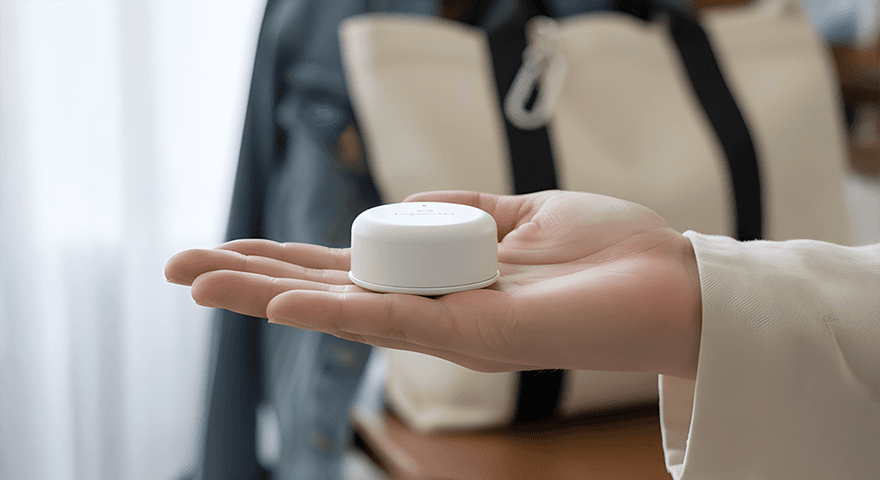
Use Case: On-the-Go (Personal)
Specs:
• 100m range, BLE 5.0
• 2,400 mAh battery (6 years)
• IP67 water & dust protection
• Button-activated, software-off switch
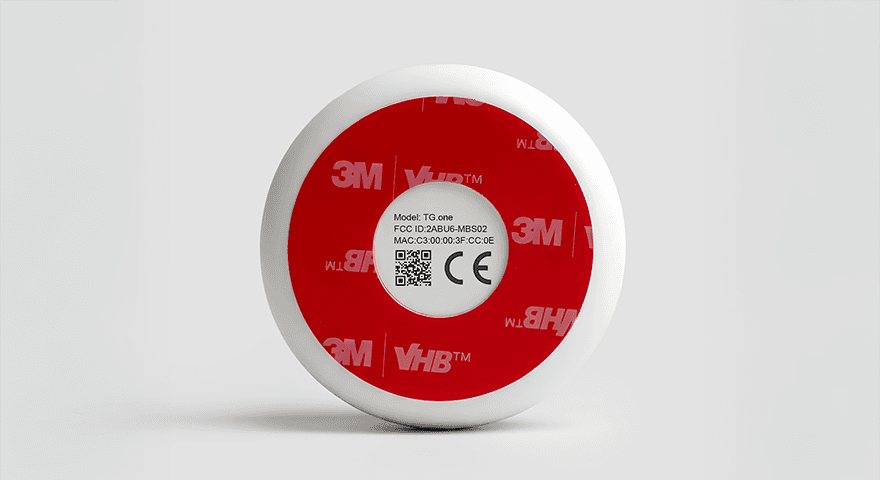
Includes: Beacon, battery, 3M adhesive, UUID code
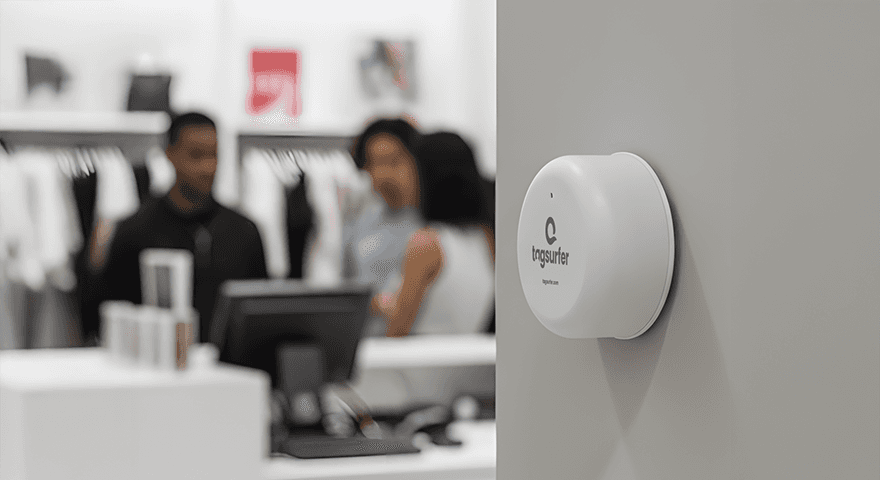
Use Case: Stationary (Professional)
Specs:
• 100m range, BLE 5.0
• 4,000 mAh battery (10 years)
• IP67 water & dust protection
• Always-ON mode
Includes: Beacon, battery, 3M adhesive, UUID code


